About
Make it concrete.
Before Concrete was software, it was summers "slinging mud".
01 / Summers
Hard but satisfying work. Like most things.
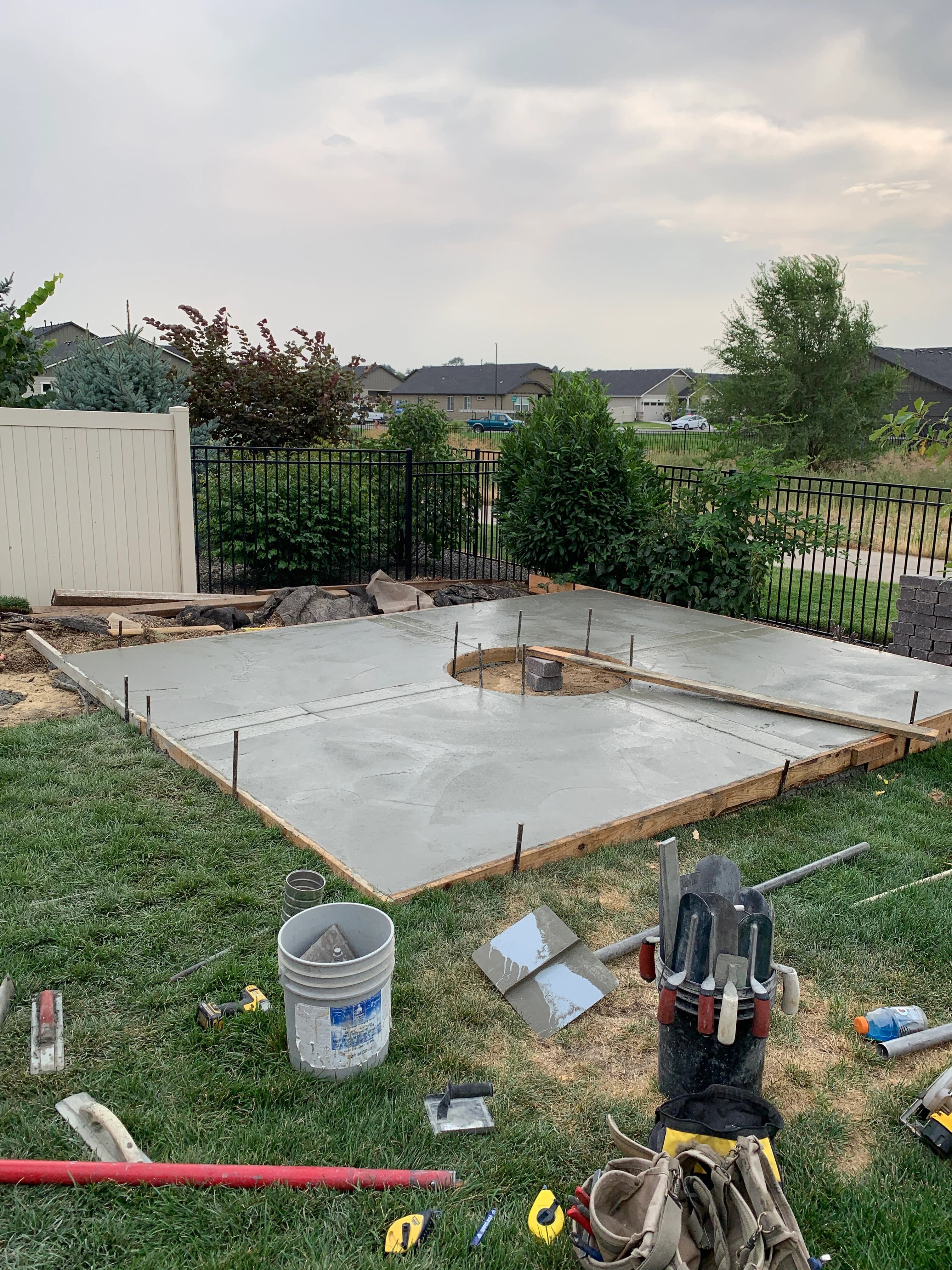
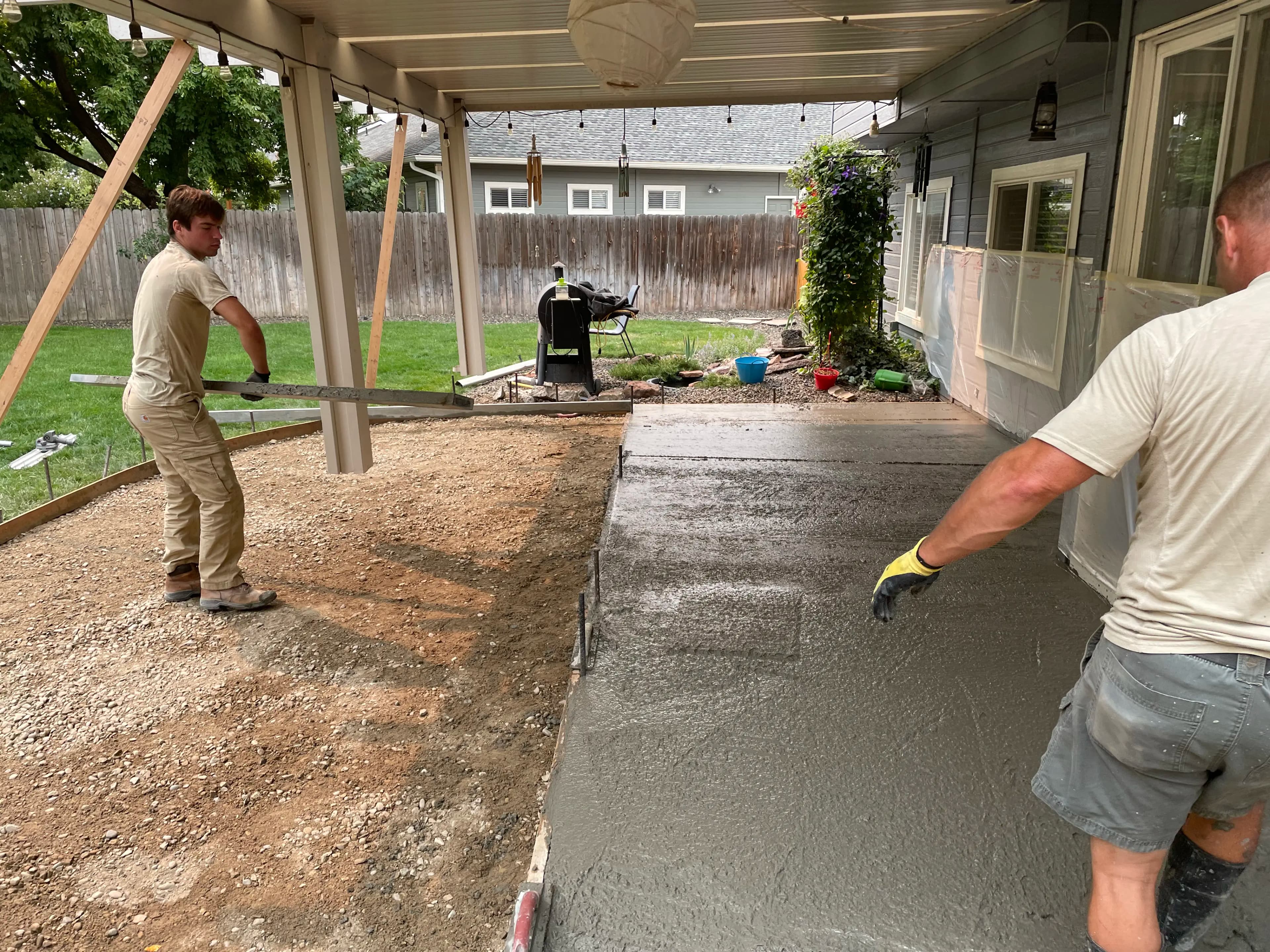
Every summer in high school I poured concrete around the Treasure Valley with my best friend, Cole, his dad, and his brother. We started early, pushed heavy wheelbarrows, and worked fast.
It was hard work, but it built character. It was also a lot of fun. It was cool to see something in the real world that you built, and that was built to last.


02 / The word
Then I went to school and studied engineering. The concrete work ended, but the word stuck with me. Concrete means something you can stand on: specific, tested, real.
- a concrete example.
- a concrete implementation.
- a concrete understanding.
03 / The product
Why the name Concrete?
For years Concrete was a word I liked, waiting for something that deserved it. This app is that thing: a place where loose notes harden into understanding you can build on.
Learning works a lot like a pour. You set the forms, place the material, finish it, and give it time to cure.
- 01
Set the forms
Give the material a shape. Notes, folders, and links.
Notes → - 02
Place it
Work the material in. Quizzes pull it out of your head and back onto the page.
Quizzes → - 03
Finish it
Smooth the rough spots. Ask the tutor until the explanation holds.
Tutor → - 04
Let it cure
Strength comes with time. Spaced review keeps it setting.
Review →
The mark
One square, divided.
The identity starts with a square, divided into halves, split into quarters, then repeated to make a larger system. Notes work the same way: small units, linked into something useful.
- 01 Square
- 02 Halves
- 03 Quarters
- 04 System

Marks
Four lock-ups, one system.

Triple C
Favicon and app icon

Square
Primary lock-up
Cinderblock
Wide lock-up

Blocks
Wordmark as modules
Status
Experimental, and moving fast.
The core note, quiz, tutor, agent, and sandbox workflows are usable. Learning analytics and the trajectory dataset formats are still evolving. Expect APIs, file formats, and UI details to change.
Contributions from students, educators, and curious builders are welcome. Documentation, bug reports, UI polish, and testing all help. You don't need to be an expert in Electron or AI.