
Bring your own model
Use the Claude Code or Codex CLI you are already logged in to, or an OpenRouter key.
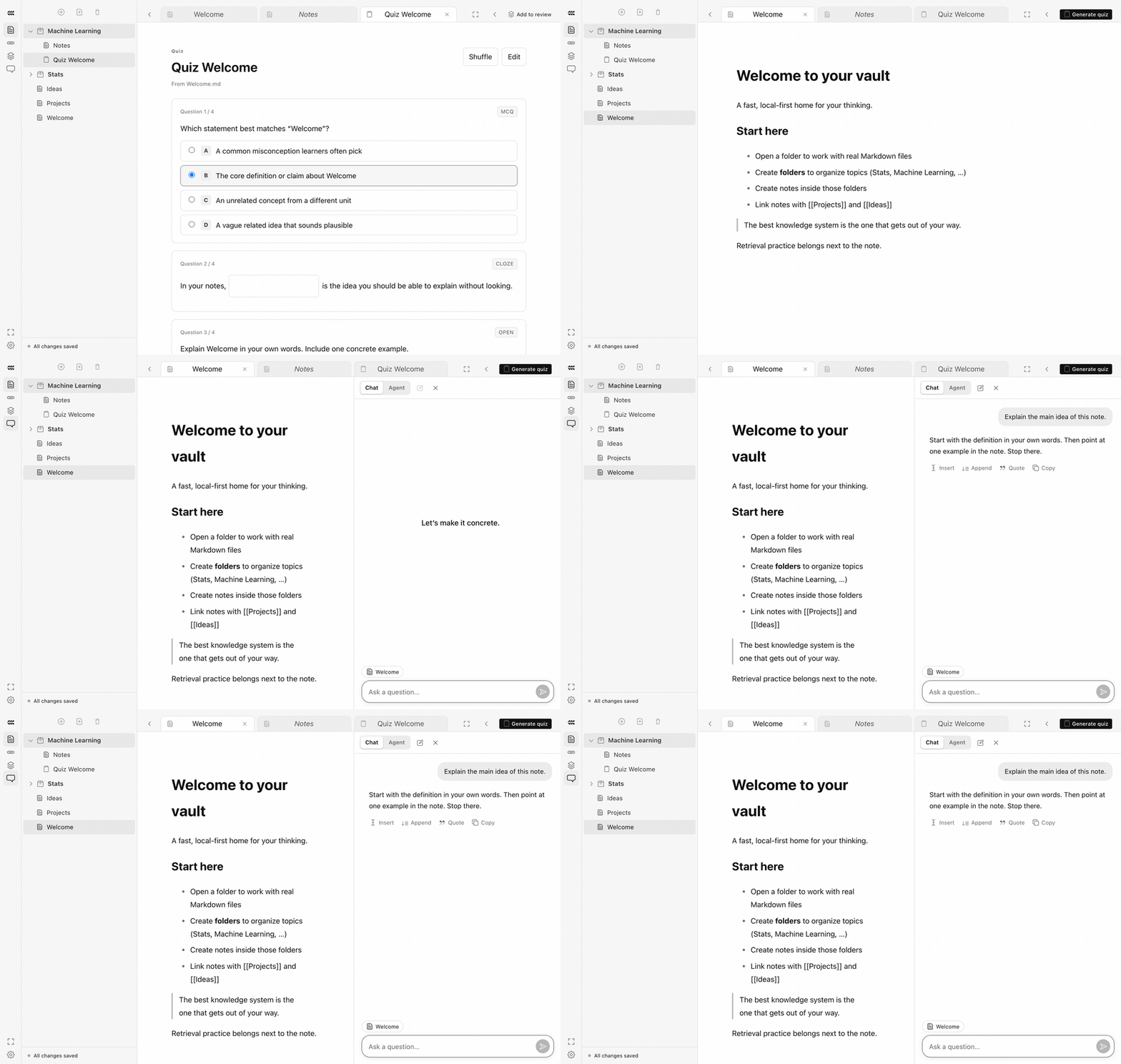
Ask the tutor about the note in front of you. Explanations stay grounded in the material you are studying, so the answer matches your course's notation and scope.
Recorded in Concrete
How it works
Open a note. The tutor reads it as context.
Ask for a derivation, an analogy, or a check of your reasoning.
Copy the parts worth keeping into your note, in your own words.
Up close
An illustrative example, drawn in the app's Concrete theme.
Why does the ½ appear in x = v₀t + ½at²?
Grounded in kinematics.md
Your note defines velocity as v(t) = v₀ + at. Displacement is the area under that line: a rectangle v₀t plus a triangle with base t and height at. A triangle's area is ½ · base · height, which gives ½at².
So with zero acceleration it's just the rectangle?
Why it matters
Use the Claude Code or Codex CLI you are already logged in to, or an OpenRouter key.
Answers are anchored to the note, which keeps explanations from drifting off-syllabus.
API keys never reach the renderer. They stay in Electron's main process.
Next — 04
Review →
Flashcards with spaced repetition.