
No lock-in
Notes are ordinary Markdown files, so you can back them up, version them with git, or open them in another editor.
Concrete works from the course material you already have. Keep lecture notes, math, code, and PDFs together, organized by course. Everything you practice is generated from it.
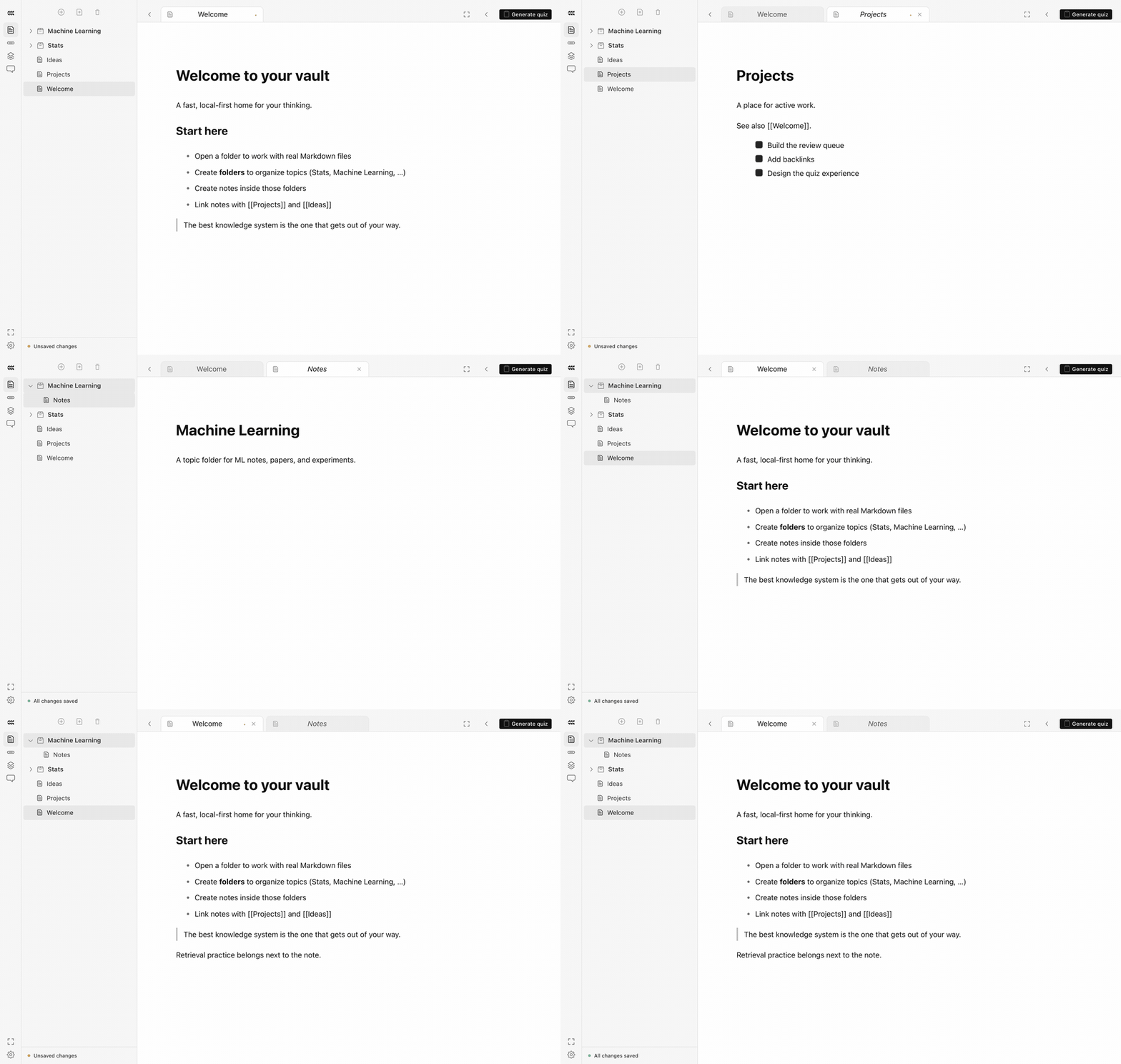
Recorded in Concrete
How it works
Add lecture PDFs and write notes, with math, code, and checklists in place.
One folder per course. Link related ideas with [[wikilinks]].
Select any of it as the source for a quiz or a set of flashcards.
Up close
An illustrative example, drawn in the app's Concrete theme.
# Kinematics
Motion under constant acceleration. See [[forces]] for why acceleration is constant.
$$ x(t) = x_0 + v_0 t + \tfrac12 a t^2 $$
## Checklist
Derive from a = dv/dt
Solve projectile problems 3–6
Why it matters
Notes are ordinary Markdown files, so you can back them up, version them with git, or open them in another editor.
Link related ideas with [[wikilinks]] and follow backlinks, so a course reads as one body of knowledge.
Math, code, and PDFs sit beside your prose, so one course lives in one place.
Next — 01
Quizzes
Exam-style questions from your own course material.