
Local-first
Concrete has no account and no cloud sync. Your vault is a folder on disk, so you can back it up, version it with git, or sync it however you like.
Write in ordinary Markdown files that live in a folder on your Mac. Organize topics into folders, link related ideas, and edit checklists, math and code in place. The files open in any other editor.
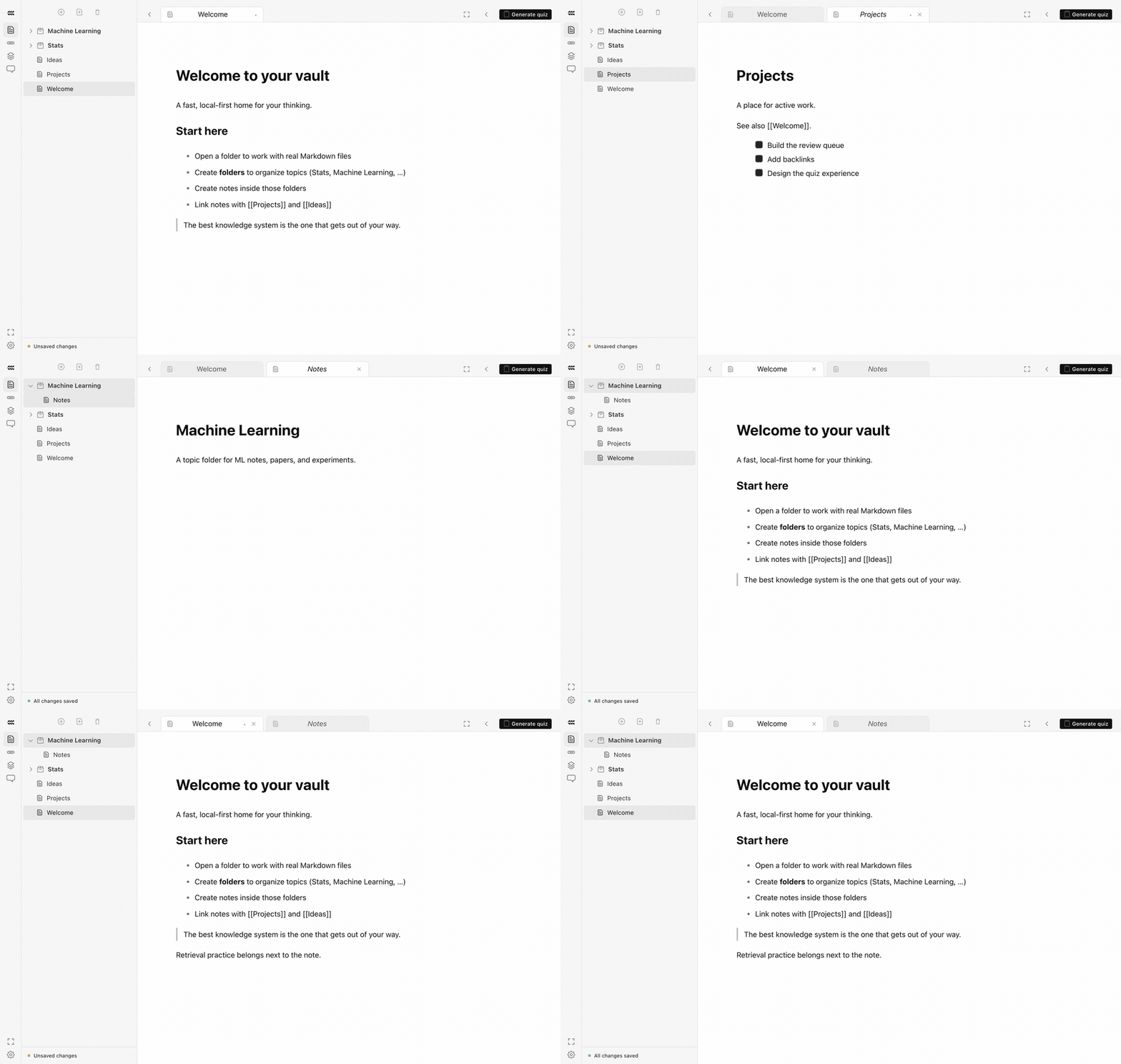
Recorded in Concrete
How it works
A fast editor for prose, LaTeX math, fenced code, and checklists that you can tick in place.
Connect concepts with [[wikilinks]]. Backlinks and a note graph show how ideas relate.
A search palette indexes the whole vault, with in-file find for long notes.
Up close
An illustrative example, drawn in the app's Concrete theme.
# Kinematics
Motion under constant acceleration. See [[forces]] for why acceleration is constant.
$$ x(t) = x_0 + v_0 t + \tfrac12 a t^2 $$
## Checklist
✓ Derive from a = dv/dt
Solve projectile problems 3–6
Why it matters
Concrete has no account and no cloud sync. Your vault is a folder on disk, so you can back it up, version it with git, or sync it however you like.
Concrete has no proprietary format. Quizzes and flashcards are stored next to your notes as files you can read.
Math, code, and PDFs sit beside your prose, so one course can live in one place.
Next — 02
Quizzes →
Practice generated from the note you are reading.